
How to Accept Online Payments on Your Website in the Philippines (GCash, Maya, Cards)
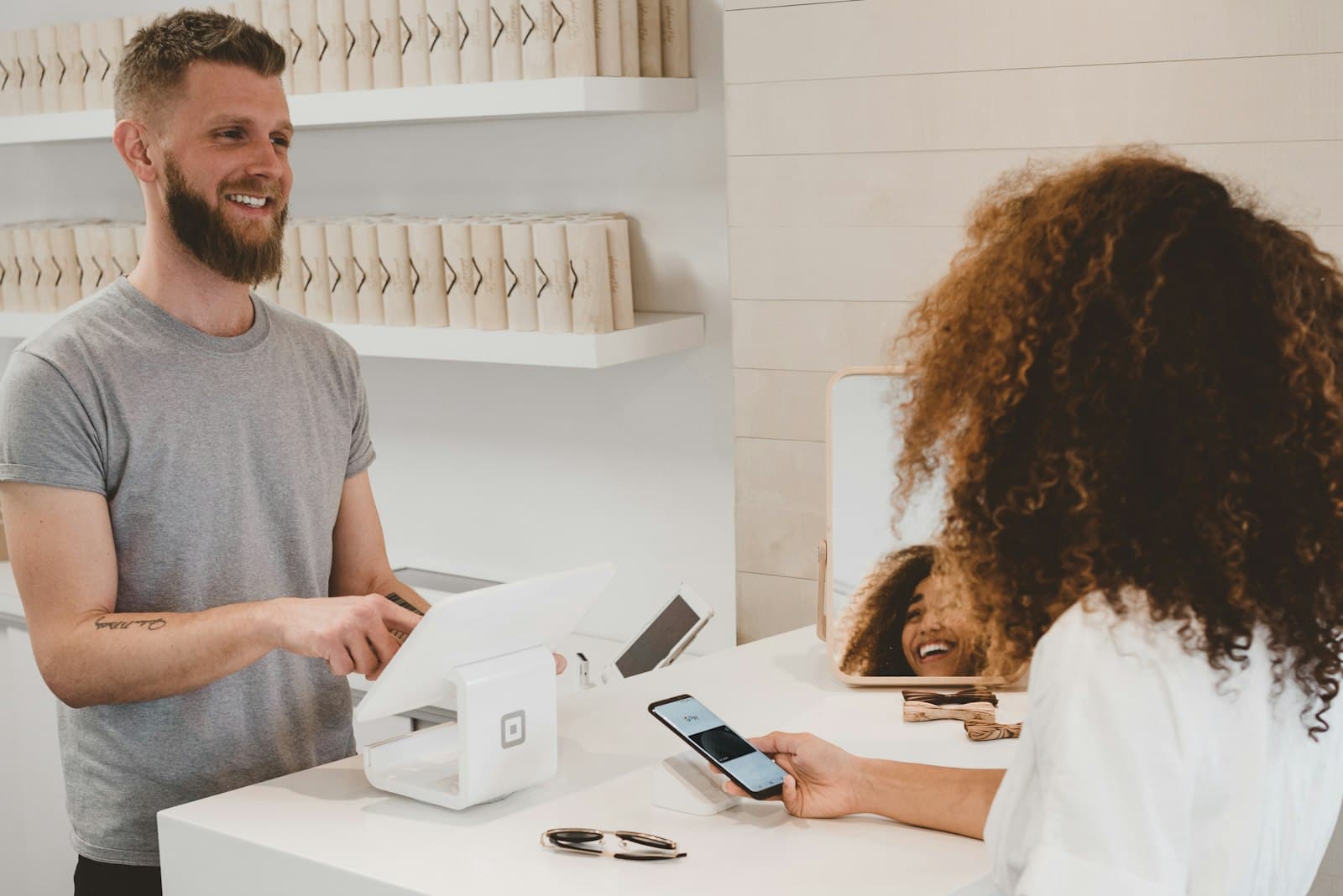
Every peso your business collects through a bank transfer screenshot and a manual confirmation message is a peso that arrived the slow, error-prone way. Accepting payments directly on your website means customers pay the moment they decide to buy, you get notified instantly, and nobody has to check an inbox for a proof-of-payment photo. Here is how online payments actually work in the Philippines, and what it costs to set them up properly.
What payment methods do Filipino customers expect?
- GCash. The most used e-wallet in the country. If you sell to local customers and do not accept GCash, you are losing sales weekly.
- Maya. The second essential e-wallet, especially strong for younger customers and online-first buyers.
- Credit and debit cards. Visa and Mastercard remain the standard for larger purchases and business customers.
- Online bank transfers. InstaPay and PESONet rails let customers pay straight from their banking app.
- PayPal and international cards. Essential if you serve clients abroad, who cannot use local e-wallets.
Which payment gateway should you use?
A payment gateway is the service that connects your website to all of those payment methods through one integration. In the Philippines, the popular options are PayMongo, Xendit, Maya Business and HitPay, with PayPal and Stripe covering international payments. They charge no monthly fee on standard plans; instead they take a small percentage per successful transaction, typically around 2 to 3.5 percent depending on the payment method. For most small businesses, we recommend starting with one local gateway plus PayPal if you have foreign customers.
Tip: Never collect card details through a plain contact form. Legitimate gateways handle the sensitive data on their secure servers, which keeps you compliant and keeps your customers safe.
What does setup involve?
- Register with the gateway. You will need business documents like your DTI or SEC registration. Approval usually takes a few days.
- Integrate it into your website. Checkout buttons, payment links or a full cart, wired so confirmations and receipts happen automatically.
- Connect the follow-through. Successful payments should update your booking calendar or CRM on their own, with no manual encoding.
- Test everything. Failed payments, refunds and double clicks, all handled before a real customer meets them.
Do you need a full online store to accept payments?
No. Resorts collect booking deposits, clinics collect consultation fees, and service businesses collect downpayments, all without a shopping cart. If you do want a full store, read our e-commerce guide for Philippine businesses next. Either way, payments are a feature we build into our fixed-price website packages, not an expensive add-on.
Start getting paid while you sleep
Tell us what you sell and who your customers are, and we will recommend the right gateway, quote the integration as a fixed price, and have you accepting GCash, Maya and cards on your own website. Book a free discovery call to get started.
Need help with your website or IT systems?
Book a free discovery call and let's talk about what TechzQuad can build for you.
Book a discovery call