
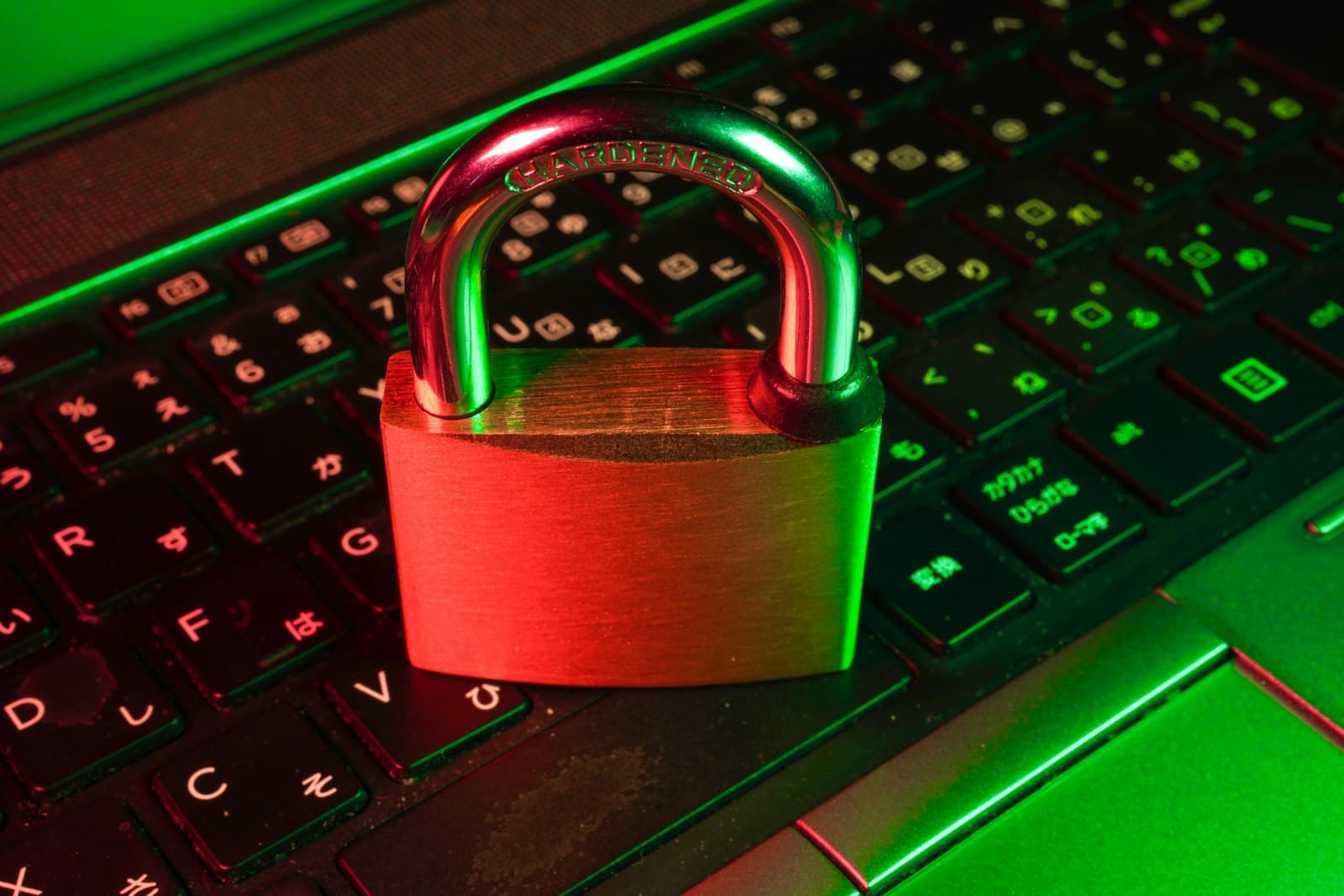
Website attacks are not personal, and that is exactly why small businesses get hit: automated bots scan millions of sites for known weaknesses and exploit whatever they find, no matter how small the target. The defense is not expensive or complicated. It is a short list of basics, done consistently, that removes you from the easy-victim pool where almost all the damage happens.
What are the security basics every business site needs?
- HTTPS with a valid SSL certificate. The padlock in the browser. Without it, browsers label you 'Not Secure', Google ranks you lower, and data between you and your customers travels unprotected. Certificates are free now; there is no excuse.
- Backups that live somewhere else. Automatic, off-server, and restored at least once as a test. When everything else fails, the backup is the difference between an hour of downtime and starting over.
- Updates applied promptly. Most hacks exploit vulnerabilities that were patched months earlier. This is the heart of website maintenance.
- Strong, unique passwords with 2FA. One reused password in a leaked database is the most common way in. A password manager plus two-factor authentication closes it.
- Least-privilege access. Staff get the access their job needs, and accounts die the day someone leaves. Ex-employee logins are a classic breach story.
What does an attack actually cost?
Days offline while the site is cleaned, customers greeted by a hacked page or redirected to scams, Google flagging your domain as dangerous, and if you store customer data, obligations under the Data Privacy Act. The cleanup routinely costs ten times what prevention would have, and the reputation repair costs more than both.
Phishing check for you and your staff: no legitimate provider asks for your password by email or chat. When an urgent message demands a login, type the site address yourself instead of clicking the link.
How does the platform you build on change the risk?
Massively. A plugin-heavy site has dozens of third-party components, each a potential door left unlocked; this is one of the trade-offs in our WordPress vs custom development comparison. The modern architecture we use ships with far fewer moving parts, secure defaults and managed infrastructure, so our builds start from a much smaller attack surface and stay easier to keep safe.
Get your site off the easy-target list
We will check your SSL, backups, updates and exposure, explain everything in plain language, and quote a fixed price for whatever needs fixing. Book a free discovery call, it takes one conversation.
Need help with your website or IT systems?
Book a free discovery call and let's talk about what TechzQuad can build for you.
Book a discovery call